" The MedCenter Air Team of Atrium Health has been using ZOLL emsCharts since 2005. We have been sincerely ecstatic about the user interface, the customizable functionality, and the exceptional customer service from the team at ZOLL."
MedCenter Air

ZOLL emsCharts cloud-based patient care reporting software guides medics efficiently through complete, accurate patient documentation to help agencies ensure quality care, compliance, and optimum reimbursement.
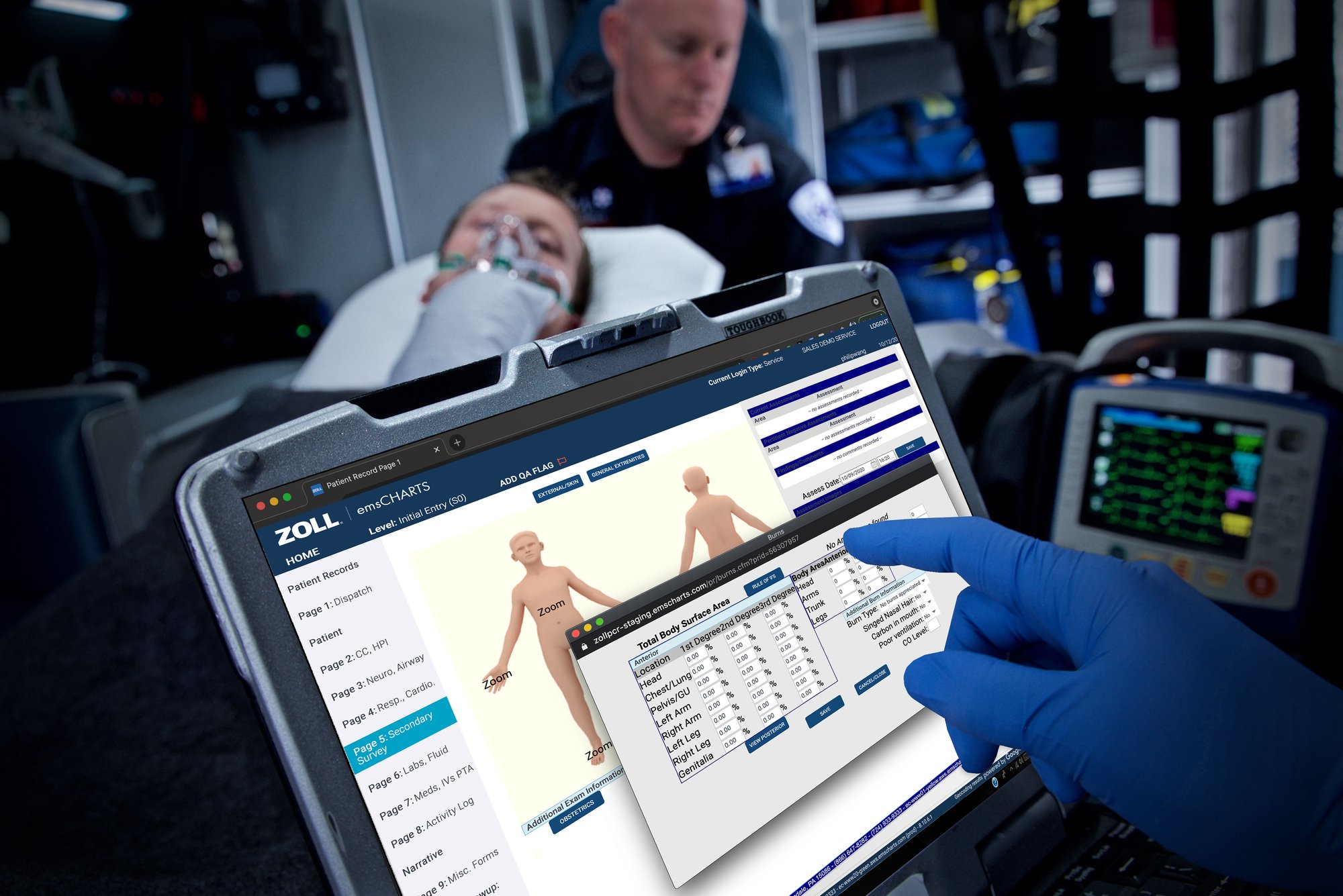
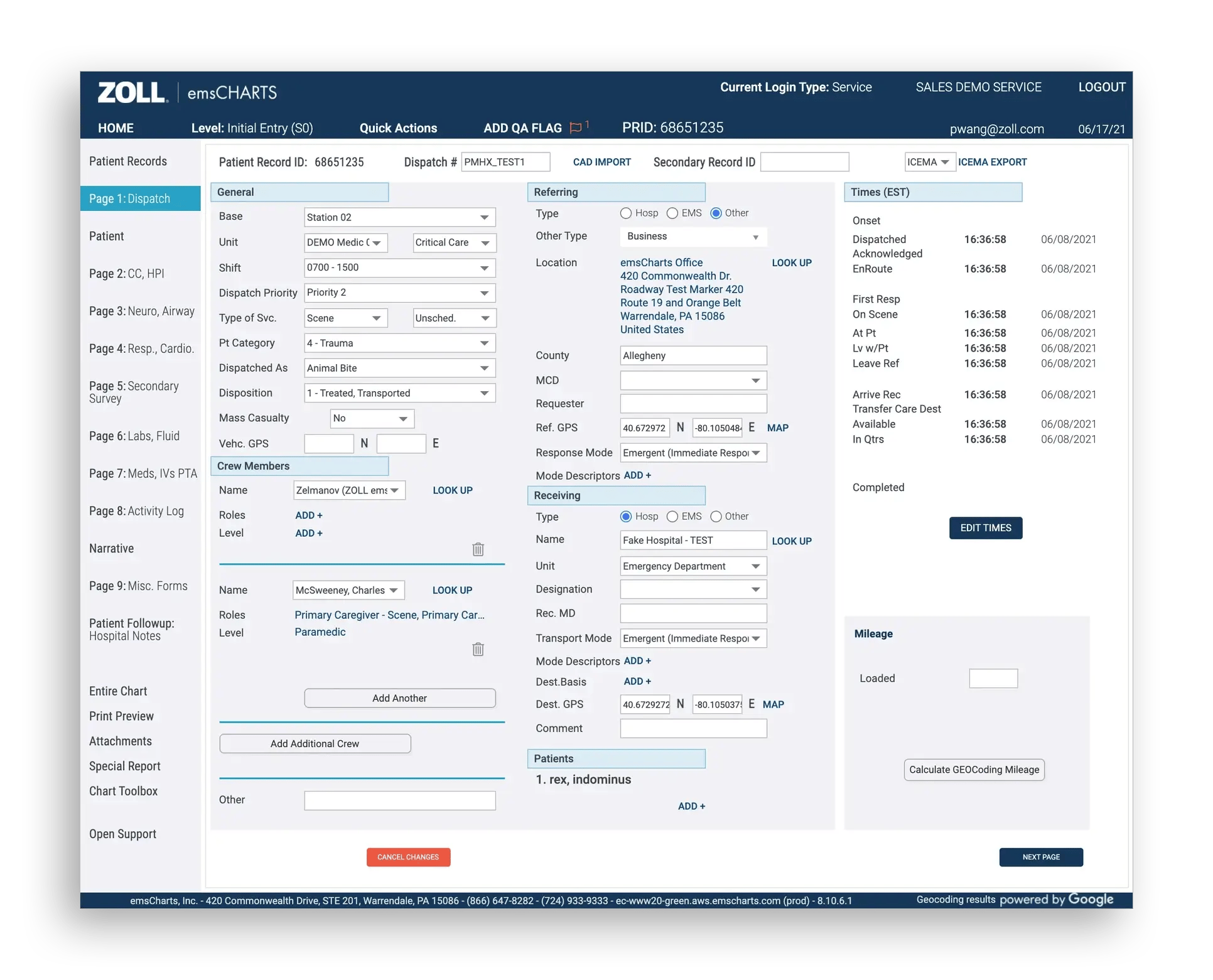
Manual documentation is time-consuming and sometimes impractical in the field. Incomplete ePCRs put patients at risk and cause compliance and billing headaches later. ZOLL emsCharts is a proven, cloud-based charting solution that is purpose-built to deliver unmatched ease-of-use, fidelity, and data confidence. Records integrate with ZOLL Dispatch and ZOLL Billing, offering advanced data availability to eliminate redundancies and help create error-free, streamlined workflows. The ZOLL emsCharts solution also automatically imports and associates patient vitals and waveforms directly from the most commonly deployed medical devices, giving clinicians and QA/QI teams one-stop access to a complete patient care story. It is device agnostic, enabling users to collect data using a browser on any internet-enabled device, online or offline.
Meet data management requirements and send data to your state automatically. The current version of ZOLL emsCharts is available to organizations in states accepting the latest NEMSIS 3.5 standard data. ZOLL emsCharts also works with multiple versions of NEMSIS simultaneously, so if your organization works in several states, rest assured that ZOLL emsCharts can handle different versions of NEMSIS to ensure compliance.
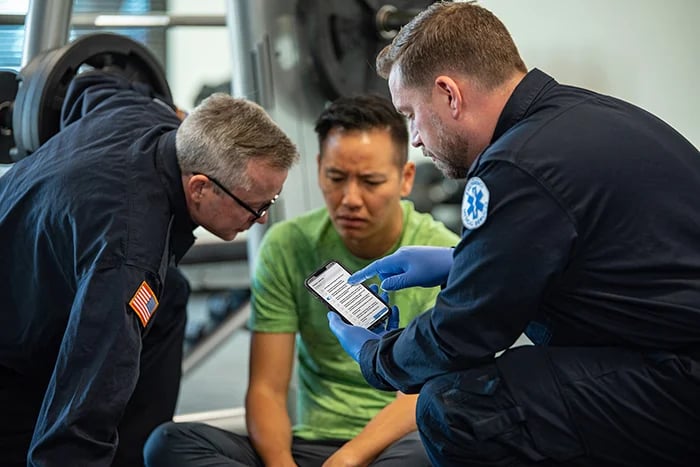
Our integrated ZOLL emsCharts NOW mobile companion app lets providers quickly, conveniently, and securely capture critical patient data at the time of contact, using standard mobile devices. Collecting patient data contemporaneously saves time and helps improve the completeness and accuracy of the ePCR. ZOLL emsCharts NOW is purpose-built to perform with robust field functionality on iOS and Android devices. Data is saved locally when no active internet connection is available, so providers can chart confidently and compliantly on scene, without fear of data loss or rework later on.
Featured Case Study
Are you ready to save time and create complete, accurate ePCRs for better care, compliance, and reimbursement?